Skip to content

Every photo from your camp,team,troop,club,trip,reunion,camp, in one private place.

One home for the photos your group takes together, collected from everyone and kept in a single place that grows with your group over time.

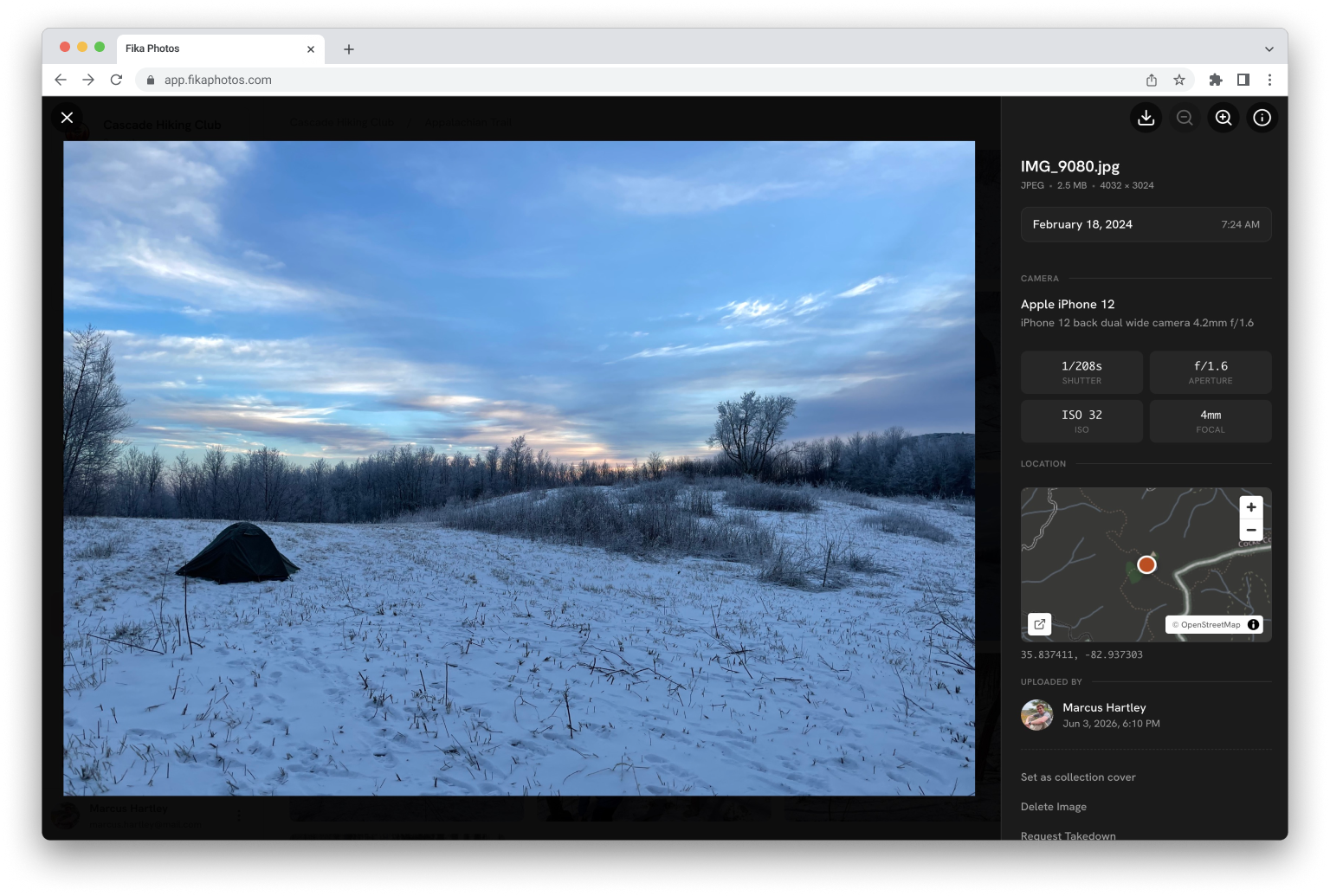
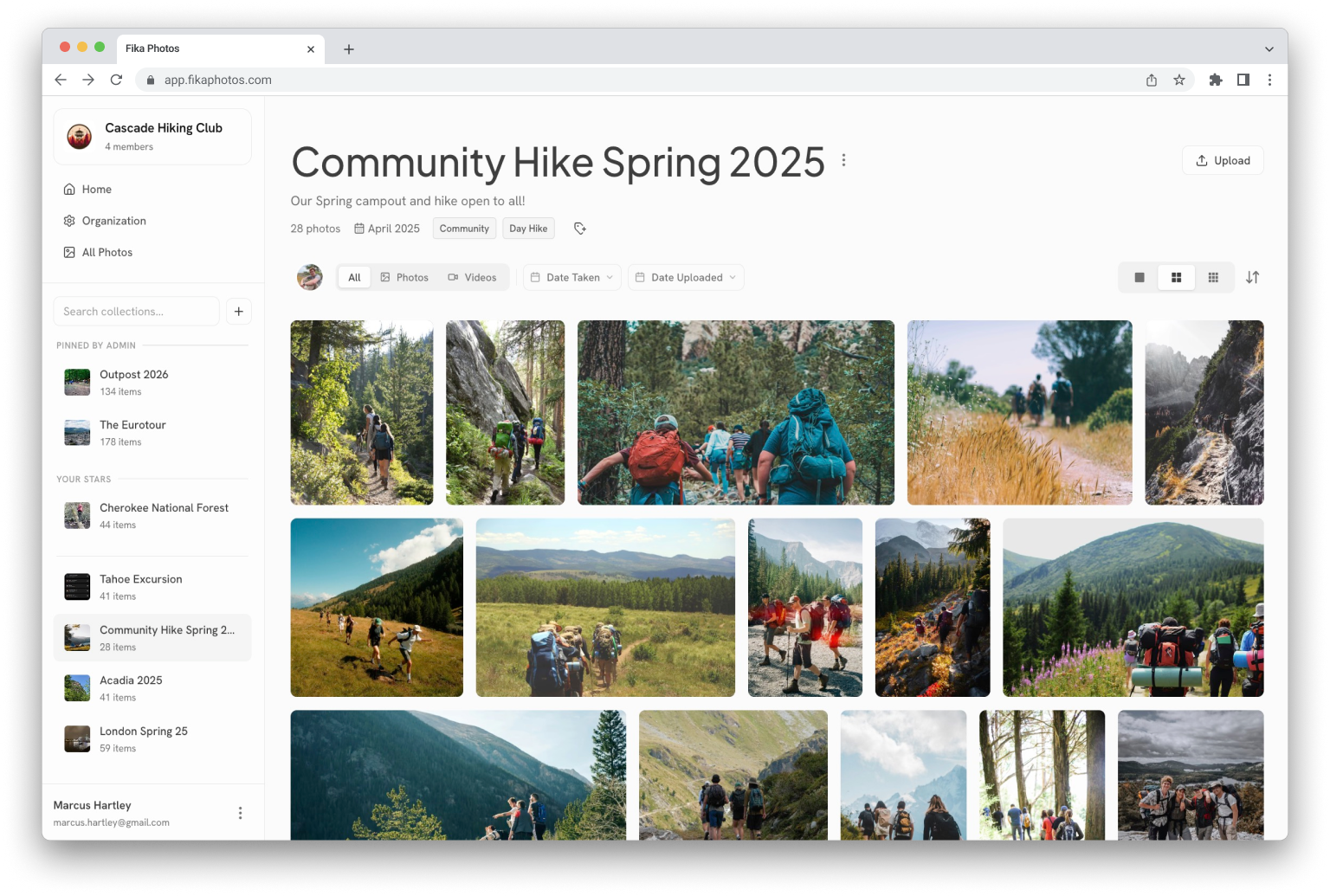
A collection in the Fika web app, showing a grid of photos and a sidebar with collection details

The photos exist. They’re just everywhere.

After every season, trip, and event, the same thing happens: hundreds of photos, scattered across a dozen phones, three text threads, and a shared drive nobody can find. A year later, they might as well be gone.

Fika brings them into one organized, private space that belongs to the group, so the memories stay discoverable for the people they belong to.

Marcus’s camera roll · 312 photosGroup text · 48 unreadshared-drive/photos/final_FINALKatie’s old phone

Fall Season 2026

486 photos · 23 contributors · private

Your people, and no one else.

Every Fika space is invite-only. Group admins decide who can create invites and who can join. There’s no public feed or discover page. Just your group and its media.

The best photo is always on someone else’s phone.

With Fika, every member can easily add photos straight into shared collections, from a laptop after the event or a phone during it. Nothing stays stranded in a camera roll.

Sorted into collections you’ll actually find.

Photos land in collections by event, week, trip, or season. Years from now, “the canoe trip” is still exactly where you’d expect it to be.

Admin controls

Roles and permissions that stay out of the way until you need them.

Simple sharing

Let everyone upload to collections or just the leaders. Your call.

Web & mobile

Add photos from a laptop after the event or from a phone during it.

fika /ˈfiːka/ · noun · Swedish

A moment to slow down and connect with others, often over coffee; a ritual of sharing stories and enjoying company.

That’s the spirit this product is named for, as we believe that’s the only kind of photo home worth building. Fika Photos is where your group slows down for a minute to look back at the year, pass the photos around the table, and stay close to the moments you made together.

Read more about why we built Fika →

Up and running during halftime.

  1. 1

    Create your space

    Name your organization and create collections for the way your group works: seasons, events, troops, cabins, however.

  2. 2

    Invite your people

    Set a default role and send out invites. No one gets in without one, and admins can revoke access at any time.

  3. 3

    Collect the photos

    After every event, everyone adds their photos to the right collection. It only takes a minute.

  4. 4

    Look back together

    Browse by season, share with families, and revisit them year after year.

A whole season on one page.

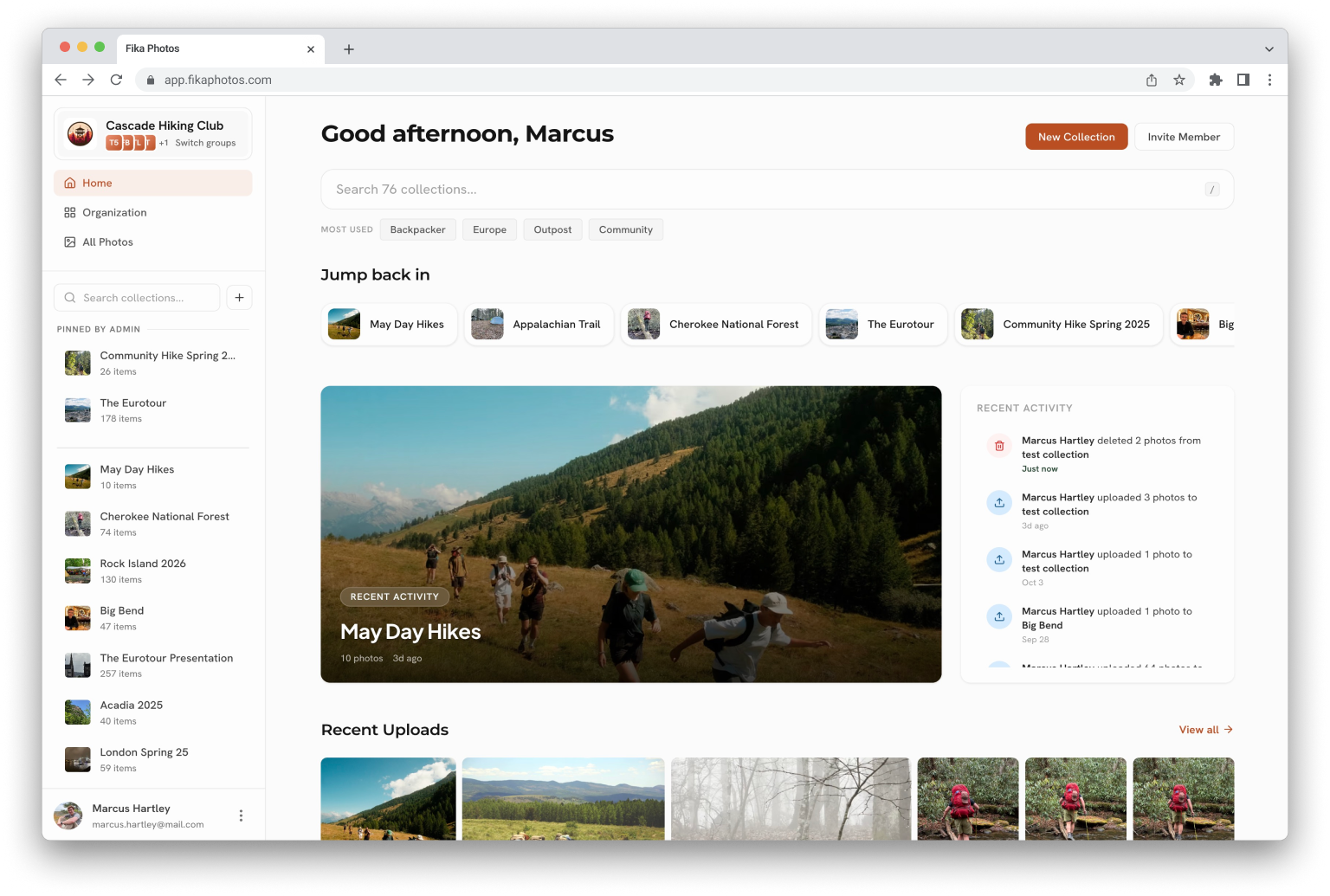
The web app is where history is easily found. Scroll back through every event and season, sort and filter to the exact day you’re after, and pull down the originals whenever you want a copy of your own.

The Fika web app showing a group's home page with recent collections and uploads

Browse through time

Every collection is tagged with year, month, season, and any custom tags. Jump to a year, a season, or a single weekend, and the photos are right where you left them.

Built for the organizer

Drag a whole shoot in at once, move photos between collections, and select in bulk. The heavy lifting is easy on a big screen.

Yours to keep

Download any collection as a single zip. The originals are always yours to take with you.

In the bleachers, from the car, or on the trail.

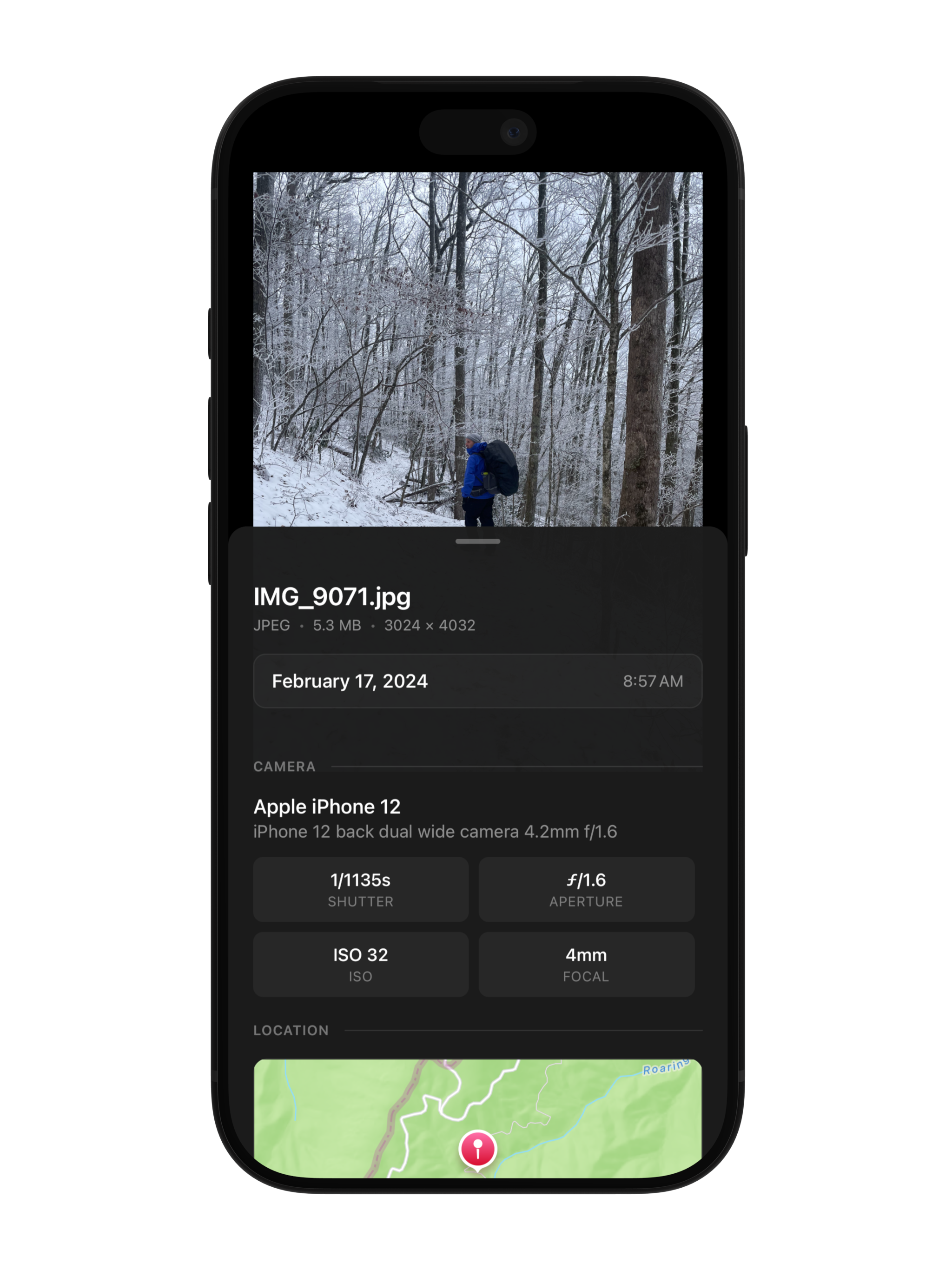
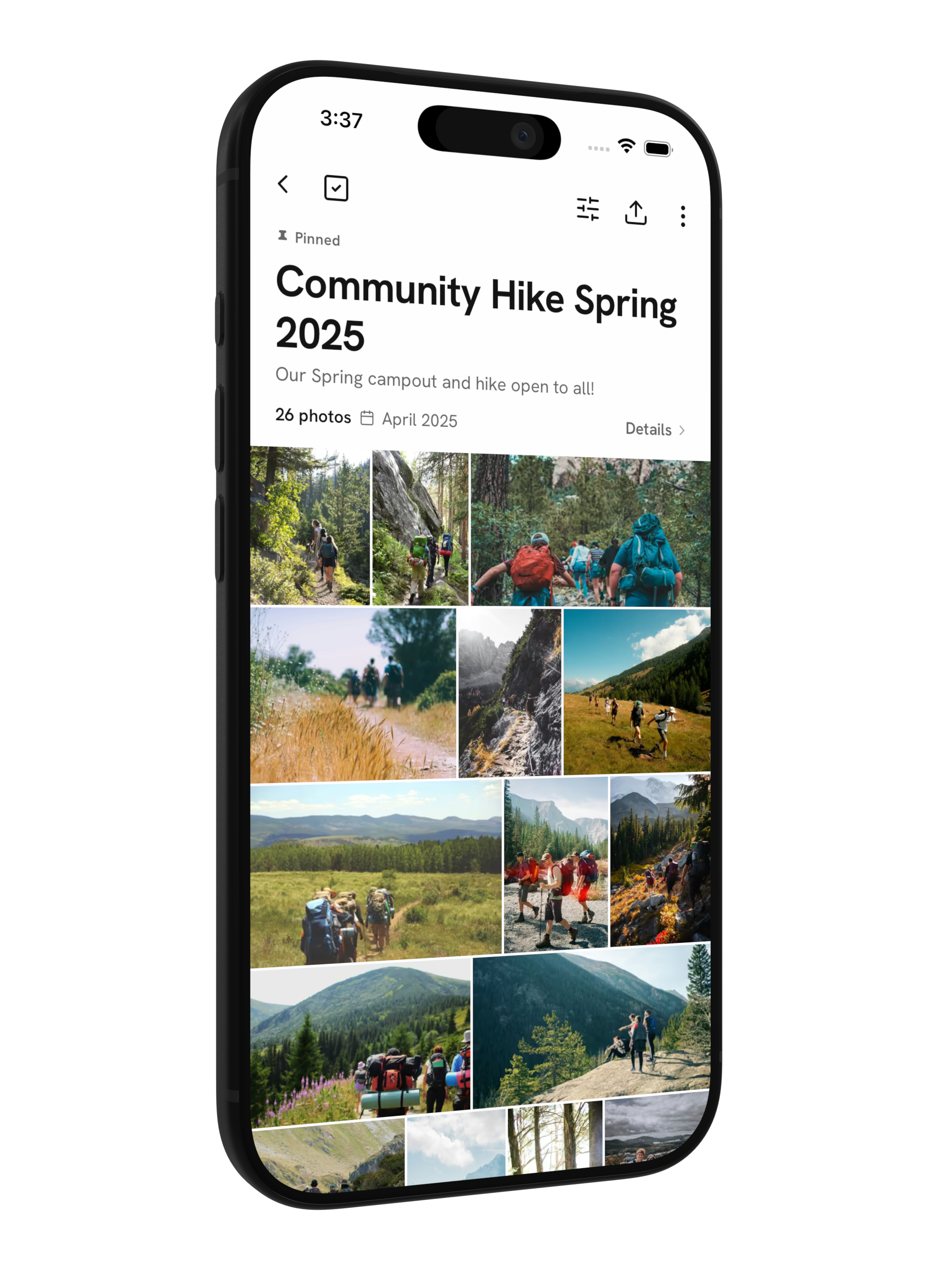
Fika goes where the photos happen. Add them straight from your camera roll the moment they’re taken, from anywhere, then pick up right where the group left off.

Straight from your camera roll

Pick your shots and hit add. There’s a spot for every one.

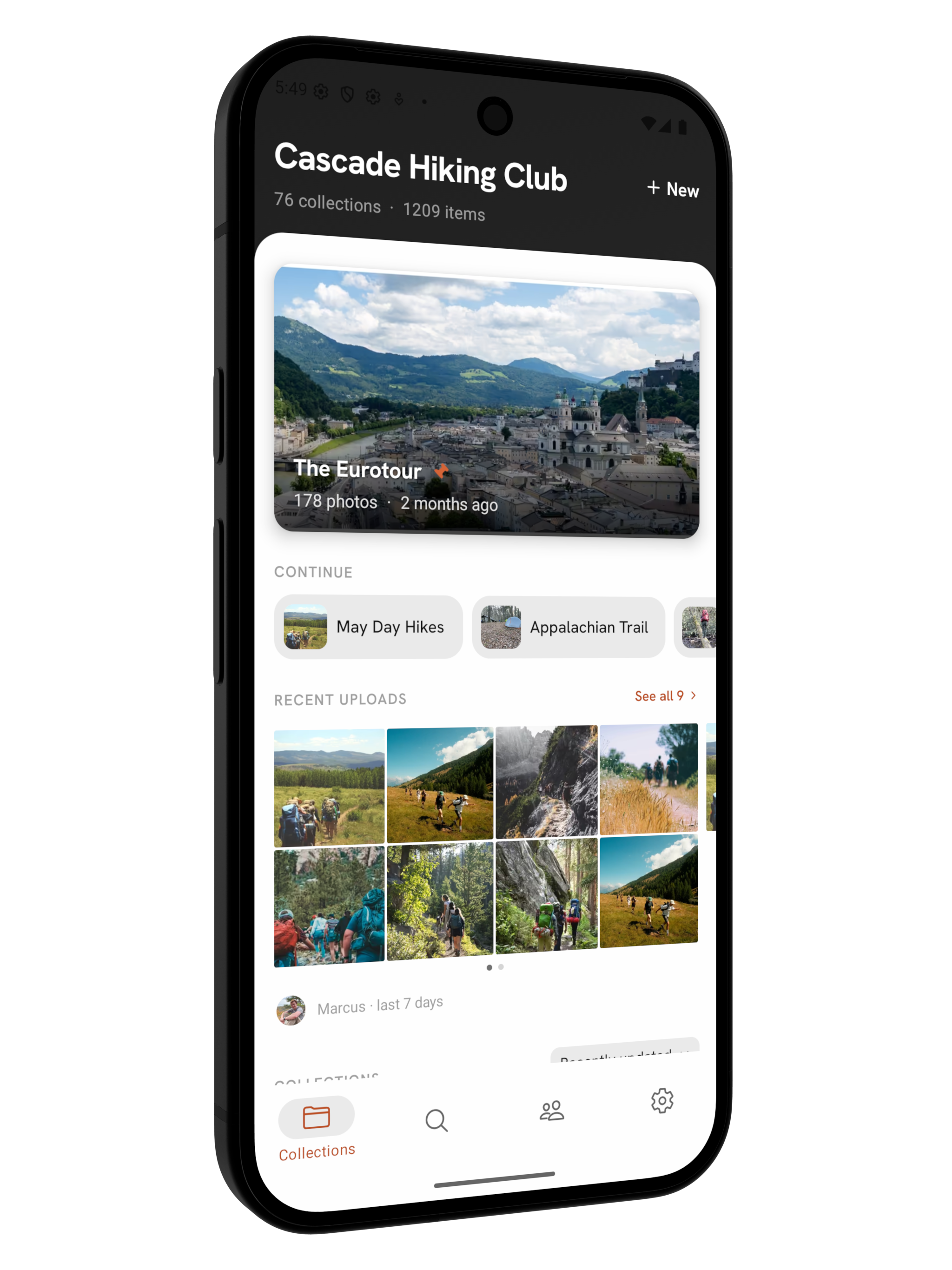
Jump back in

Your recent collections are one tap away, so you’re never digging for where the photos go.

Videos come too

Grab the clips right alongside the photos, and they upload together in one go.

Coming soon to the App Store and Google Play.

The Fika mobile app home, showing a group's collections and recent activity

Human, not algorithmic.

Most photo apps are busy deciding things for you: what to resurface, whose face is whose, and what will keep you scrolling. Fika does none of that.

We would rather build a calm, refreshing experience than bolt on whatever the latest AI model can do. Your collections stay the way your group arranges them, and the only one deciding what matters is you.

Things Fika doesn’t do

  • An algorithmic feed that reorders your memories
  • Facial recognition scanning the people in your photos
  • Engagement scoring built to keep you tapping
  • Data mining, or training a model on your library
What it does instead: shows your group’s photos, in order, to your group.

The point is calm.

Our privacy stance ↓

Organized by people

Collections are made and named by your group, so things sit where a person would put them, not where a model guessed.

Always in order

Photos show newest first or by the date they were taken. Nothing floats to the top because software decided it should.

Yours to shape

Star what matters and sort how you like. You curate the memories, no algorithm required.

Made for groups that make memories.

Fika is for groups that gather on a rhythm: the weekly practice, the monthly meeting, the summer that comes back around. One private place holds all of it.

See all use cases →

One plan. Every Feature. Unlimited Members.

We kept this simple. There’s no feature matrix to squint at. Every space gets every feature: privacy controls, collections, member uploads, the apps, all of it. The only thing that scales is storage.

The owner pays for the space; members never pay a thing. No per-seat fees, no feature gates, no surprise tier when your group grows.

Fika is here for the long haul, and it only gets better. New features arrive as part of the plan you’re already on, never as an upsell or a higher tier, so the space you start today is one your group can keep coming back to for years.

$15/ month per organization

  • 250 GB of storage, room for 60,000+ photos
  • Unlimited members
  • Full-quality photos and videos
  • Every feature, nothing gated

Need more room? Extra storage is $0.025 per GB per month, no upgrade required.

Start your group

Free plan

10 GB of storage

The same product with room for a couple thousand photos. There’s no time limit. Upgrade when your group outgrows it.

Your memories aren’t content.

Fika isn’t a social network. There’s no public feed, no follower counts, no audience to perform for. Photos are visible to the people your group invites, and no one else.

The business works the same way: you pay for storage, and nothing else. Nothing about you is for sale.

Invite-only, always

Nobody sees your space without an invitation from your group.

Admins hold the keys

Access, roles, and sharing stay with the people you trust to run things.

You aren’t the product

Your group’s photos belong to the people in them, not us. We don’t license or sell them, or hand your personal data to advertisers or brokers. No exceptions.

Gone, and it stays gone

Not comfortable in a photo? Ask for it to come down and it’s deleted everywhere, duplicates and all, and blocked from being uploaded again.

No AI

Fika doesn’t run AI or machine learning on your photos. No face scanning, no data mining, and nothing used to train a model.

Built by privacy people

Fika is built by people who value their own privacy, which is exactly why we’re careful with yours.

Questions, answered.

Something else on your mind? Write to us at hello@fikaphotos.com.

Do members have to pay?

No. There’s one subscription per organization, paid by the owner. Members use Fika completely free. Additionally, you can be a member or owner of multiple organizations from the same account.

How is Fika different from Google Photos?

Fika is built specifically for groups collecting and sharing photos together over time. Unlike Google Photos, which is designed for individual use, Fika lets group members see and contribute to all of the group’s collections without complicated sharing settings.

What about videos?

Fika supports videos in collections too. They’re stored compression-free, just like photos, so everything from the trip lives in one place.

Is there a mobile app?

Yes. Fika has apps for iOS and Android, so members can add photos straight from their phones.

Can anyone delete photos?

Members can delete photos in collections they’re able to contribute to. With takedowns enabled, a photo can also be permanently blocked from being re-uploaded.

What about view-only members?

Fika supports view-only members, who can see collections but cannot add or delete photos. This is useful for organizations that want to share memories with a wider audience without giving them any editing permissions. Viewers are still able to request a photo takedown.

What happened to Shutterfly Share Sites?

Shutterfly discontinued Share Sites in 2023. Fika is built to fill that gap, with modern features, fair pricing, and a focus on privacy.

What about AI?

Fika deliberately doesn’t use AI or machine learning on your photos. No facial recognition, no automatic tagging, and nothing used to train a model. Your memories are for your group to enjoy, not for software to analyze. We would rather do a few things well and keep your photos private.

What if I want to leave the group?

You can leave a group at any time. Once you leave, you will no longer have access to the group’s collections or photos. If you were a member who contributed photos, those photos will remain in the group unless you request their removal.

Can I download all my photos?

Yes. Download individual photos or entire collections anytime. Your memories are never locked in.

This season’s photos deserve better than a text thread.

Start a private space for your group in a few minutes. Invite everyone when you’re ready. The photos will follow.

Already have a space? Sign in